JBL Flip 4 Bluetooth speaker Review

Introduction
With July upon us, summer is finally in full swing, and when these hot, sunny days have you feeling the urge to hit the pavement – get out and have some fun – you can rely on plenty of mobile devices to bring the entertainment along with you.
Obviously, that means bringing along your smartphone, but to get the most out of an impromptu summer cookout or lazy afternoon at the pool, you're going to want to share some of that entertainment with all your friends – and who wants to spend that time huddled around a handset?
Promising waterproof operation, a rugged, rubberized build, and the ability to deliver hours and hours of party-fueling tunes, the JBL Flip 4 sure looks like it hits all the notes we're looking for. Does the portable speaker meet all its potential? Let's check it out.
- JBL Flip 4
- Micro USB charging cable
- Warranty card
- Quick-start guide
- Safety sheet
Design
JBL builds a resilient, durable speaker without making it feel like a tank
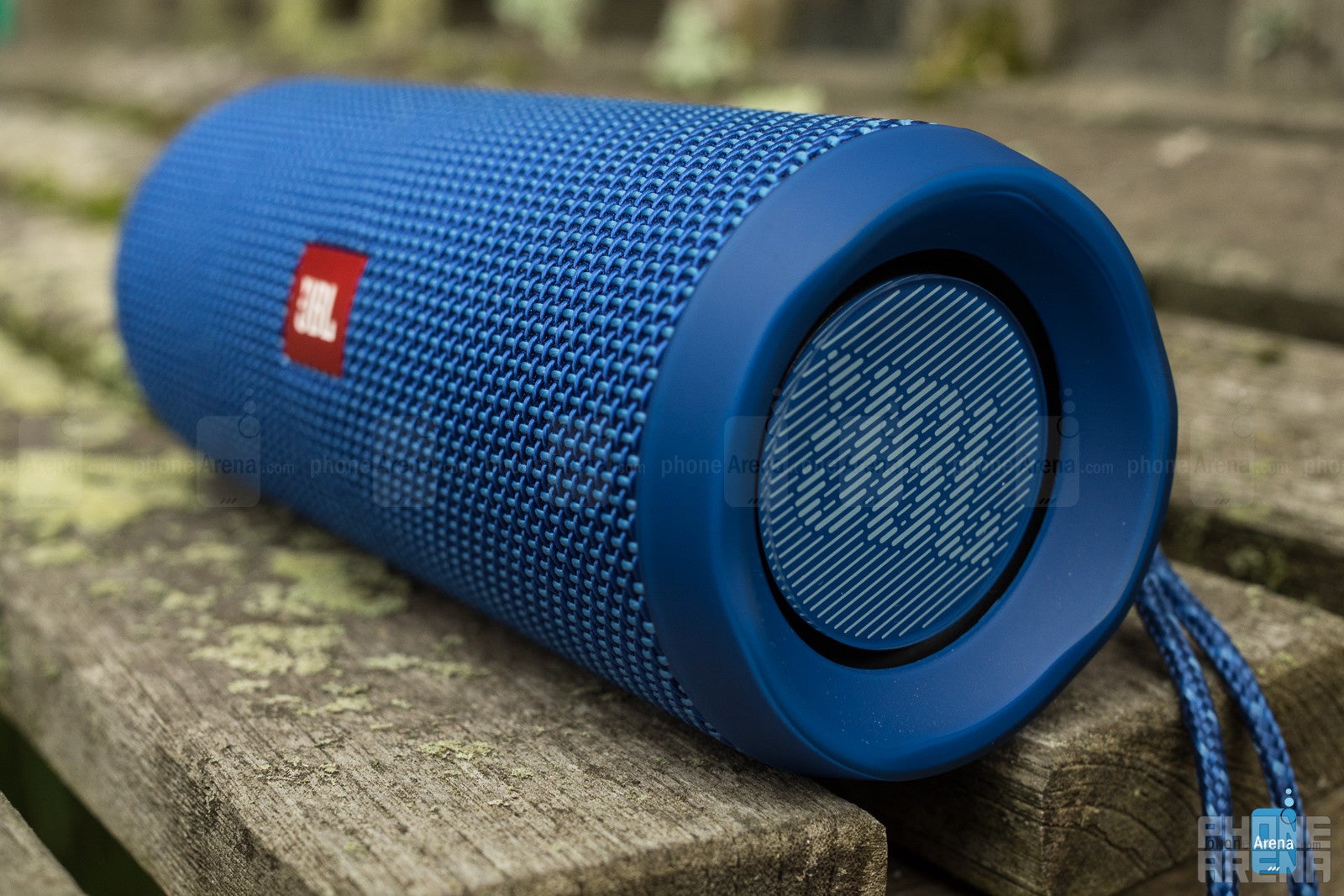
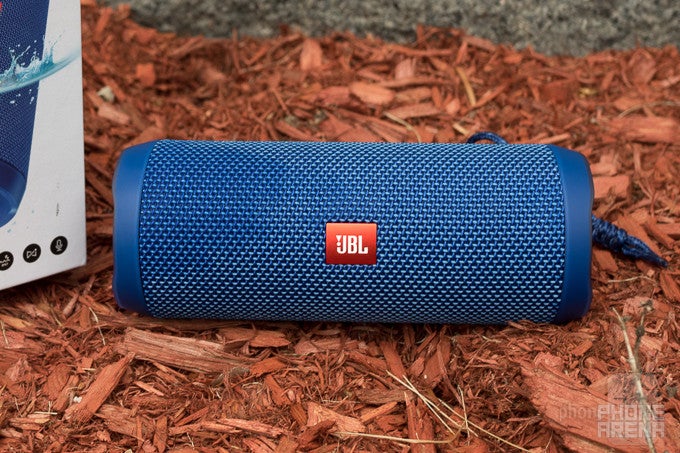
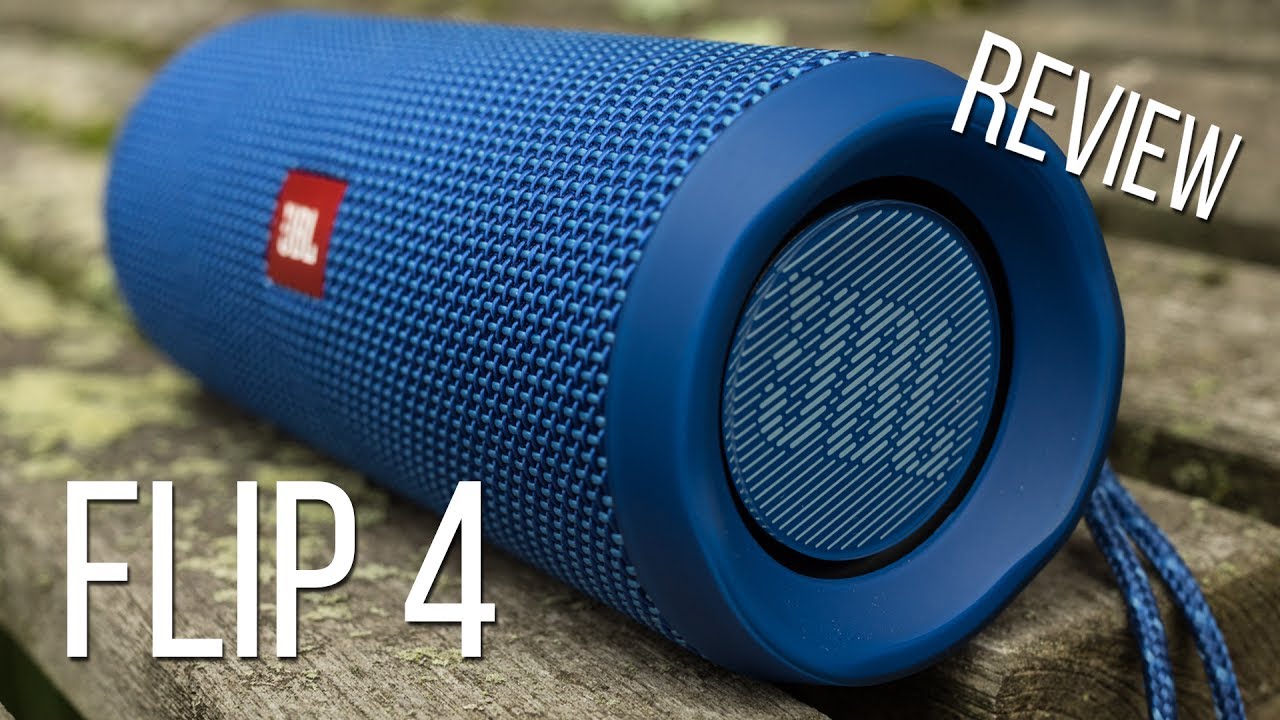
While there's any number of designs a mobile Bluetooth speaker can take, it feels like the majority of them go the “tube” or the “brick” route. And here, JBL wholeheartedly embraces the former with the cylindrical Flip 4.
The hefty speaker is a mix of molded plastic and an expansive fabric-covered grille. While the whole design is largely monochromatic, the Flip 4 is available in a decent variety of colors, including some bold, fun-looking shades.
That water-resistance comes in the form of an IPX7 rating, meaning the speaker can withstand immersion in up to one meter of water. Officially, that's nice clean freshwater, but JBL says that the Flip 4 should withstand a dip in a salt or chlorine-treated pool, though recommends washing the speaker in fresh water after. Also keep in mind: while the Flip 4 is indeed waterproof, it won't float, so you're going to want to keep an eye on it around deep water.
Software and functionality
The Flip 4 offers good reason to install JBL's custom app
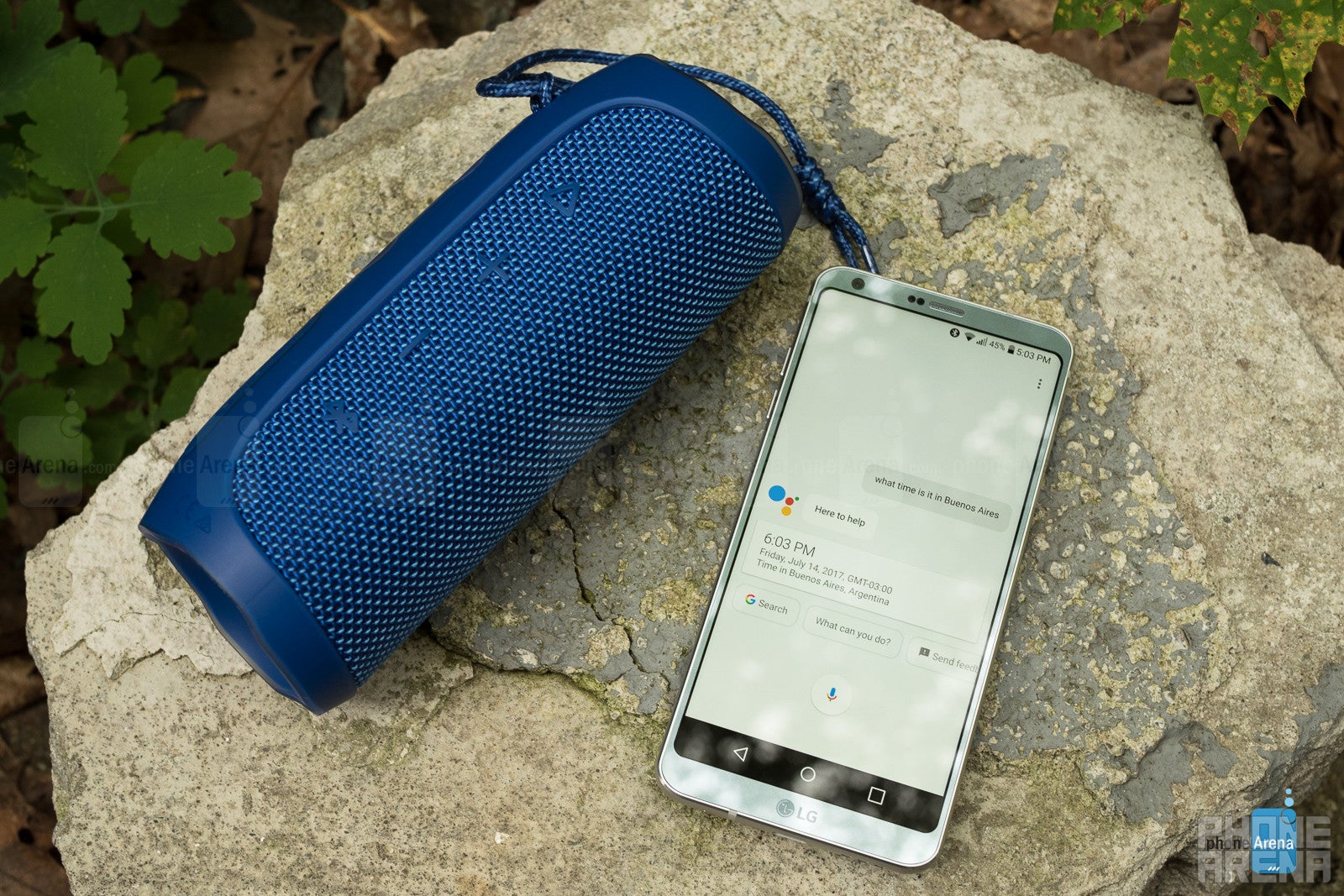
A Bluetooth speaker doesn't always need its own app – and sometimes even when the manufacturer goes to the trouble of delivering one, it doesn't do much to add value to the listening experience. Well, while JBL very much has an app for the Flip 4, this one thankfully has some real functionality to it.
Now, you can use the JBL Flip 4 just like a generic Bluetooth speaker, and doing so couldn't be easier: hit the big button shaped like the Bluetooth rune, and pair on your phone. That will give you music playback, as well as volume and playback controls. All pretty standard, right? So what's the app for?
Well, once you download and install JBL Connect, you'll gain access to three additional features for the speaker. Maybe the most useful there is the ability to set up access to a voice assistant like Siri (on iOS) or Google Now.
That's pretty cool, but we have a few issues with the implementation. For one, the audio quality (we tested with Google Now) of the voice assistance is noticeably lower than that of the music – it sounds almost like you're hearing it over a phone line. It's also quite a bit quieter than music, and while that might be nice if you wanted to do a quick voice search without everyone in the room hearing, we wish there were controls to set the volume to our tastes.
JBL's app also opens up two special modes for users with multiple speakers. Remember that hourglass-shaped JBL Connect+ button on the speaker's back? With the help of the app, you can press that button to tie the outputs of multiple speakers together. In one mode, you can chain together a whole mess of speakers (up to 100), all cranking out the same tunes. In the other, you can create an expanded stereo effect by taking two speakers, and dedicating one to the left channel, and the other to the right.
In addition to working with voice assistants, the microphone JBL gives the Flip 4 lets you use the unit as a speakerphone. Sound quality's really not bad, but you're still going to want to keep relatively close to the speaker in order to be as intelligible as possible to the party on the other end.
Controls
A straightforward button layout makes controlling the Flip 4 simple
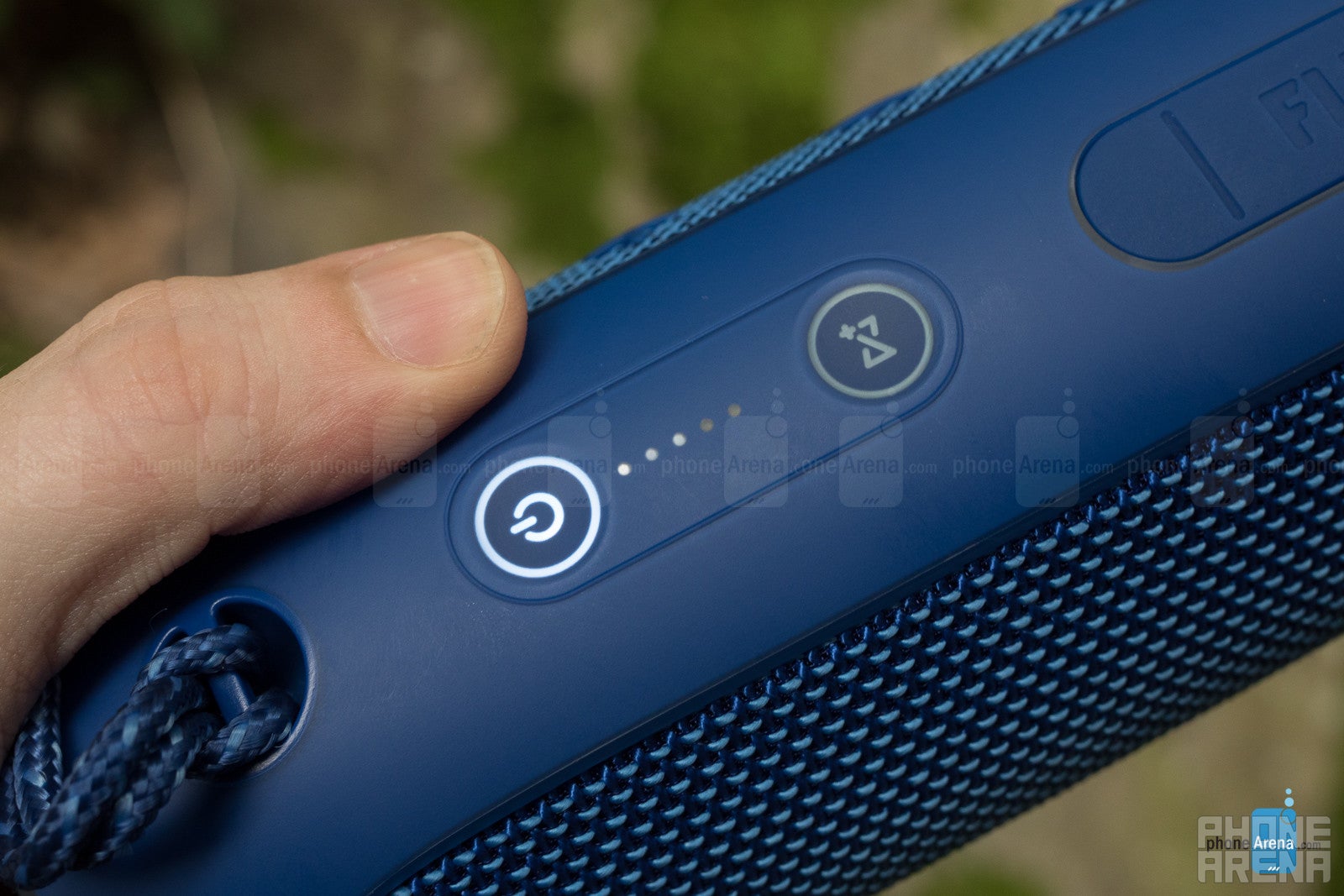
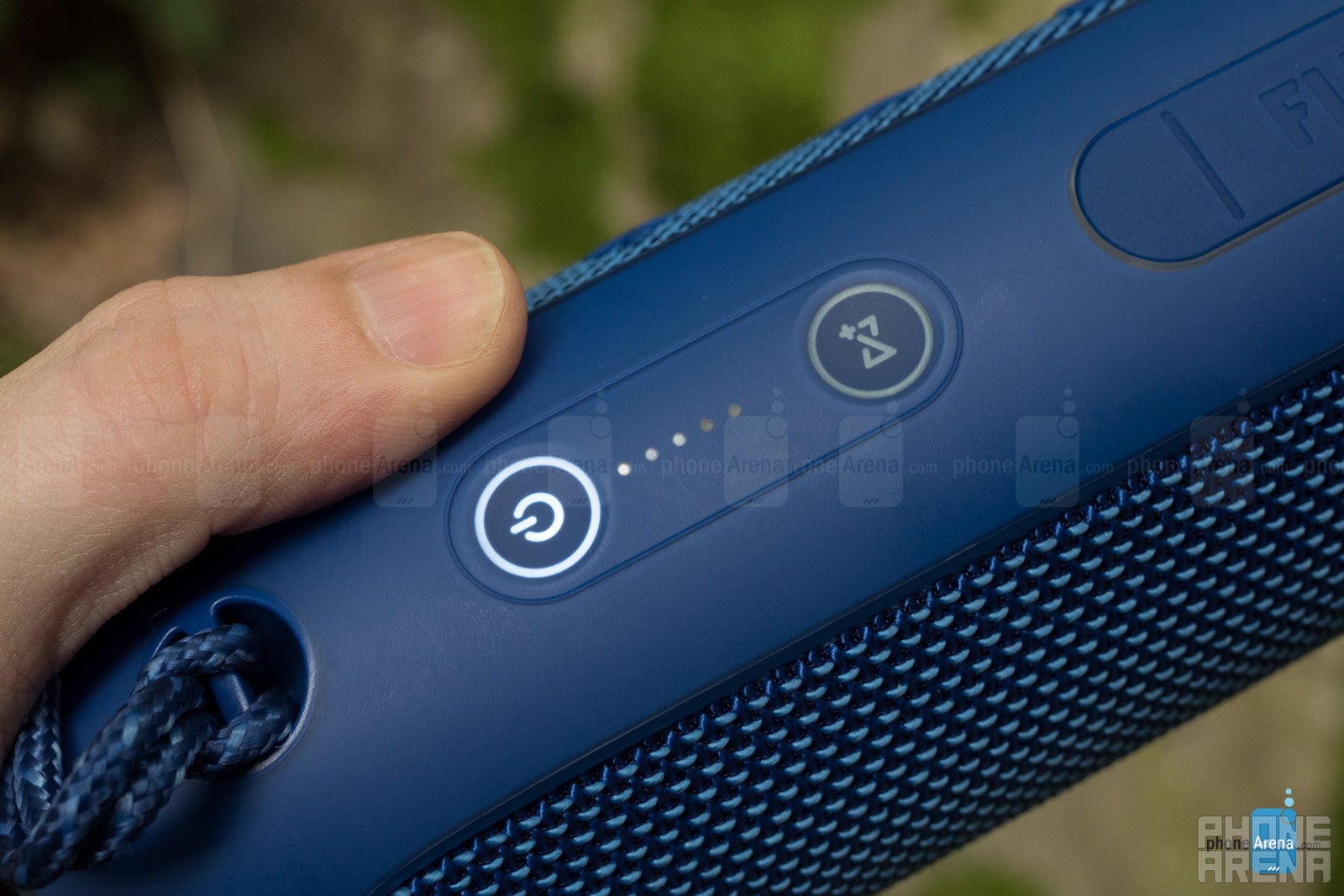
We've already touched on the basic controls of the Flip 4, but to reiterate, you've got independent up and down volume buttons, a Bluetooth button for pairing, and a “play” button that can either pause audio when pressed or trigger the phone's voice assistant, and that advances tracks when held down – there's no similar control for going back a track.
Sound Quality
The Flip 4 may not have the best hardware in the world, but it still manages to deliver some satisfying sound.
It's relatively easy to make a large speaker sound good, but when you're trying to keep things compact, that gets tricky; less room makes it harder to implement a bass reflex system, as well as makes stereo separation difficult to achieve.
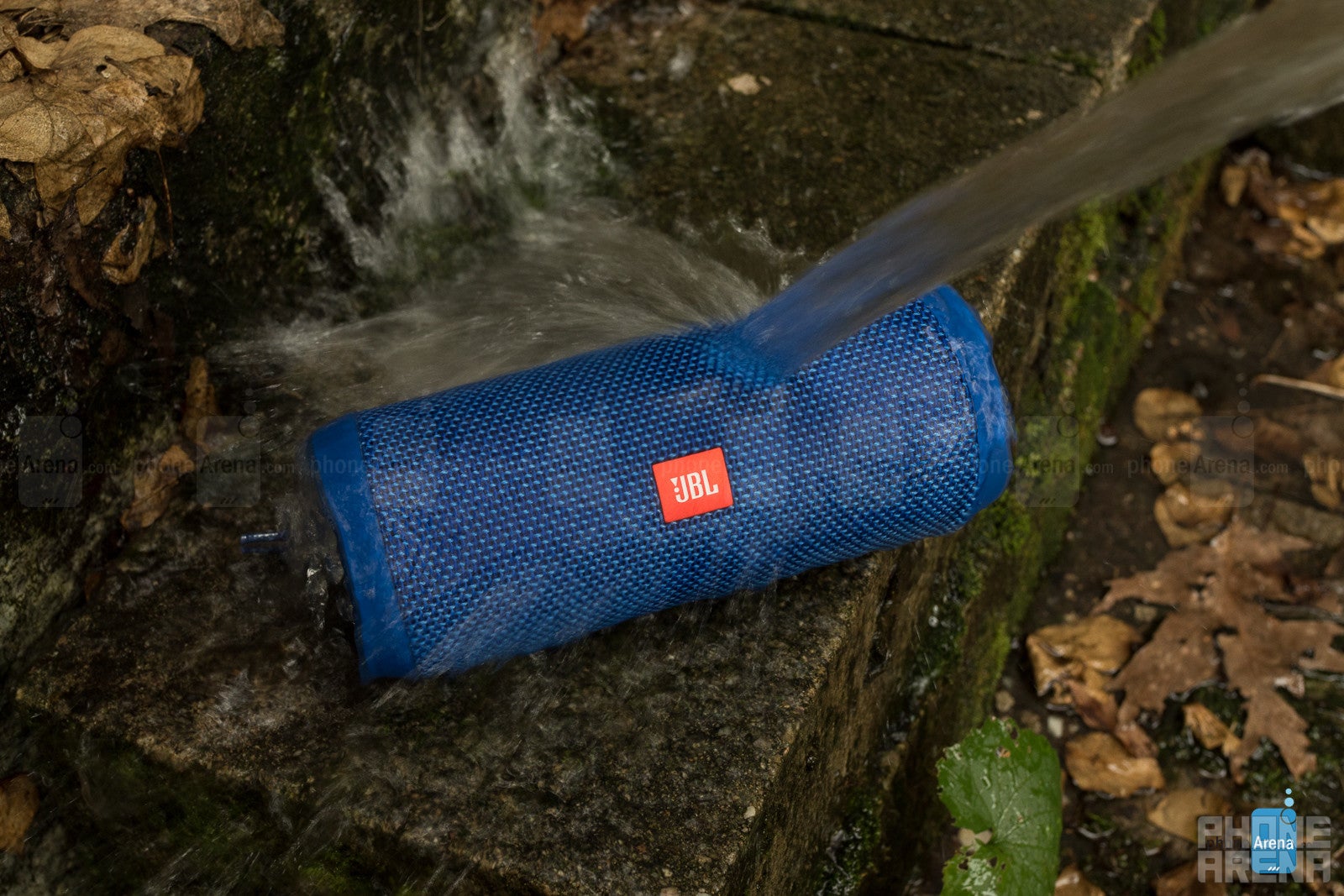
The JBL Flip 4 is water resistant
Battery Life
The combination of a big battery and tools for easy charge monitoring are a win for JBL.
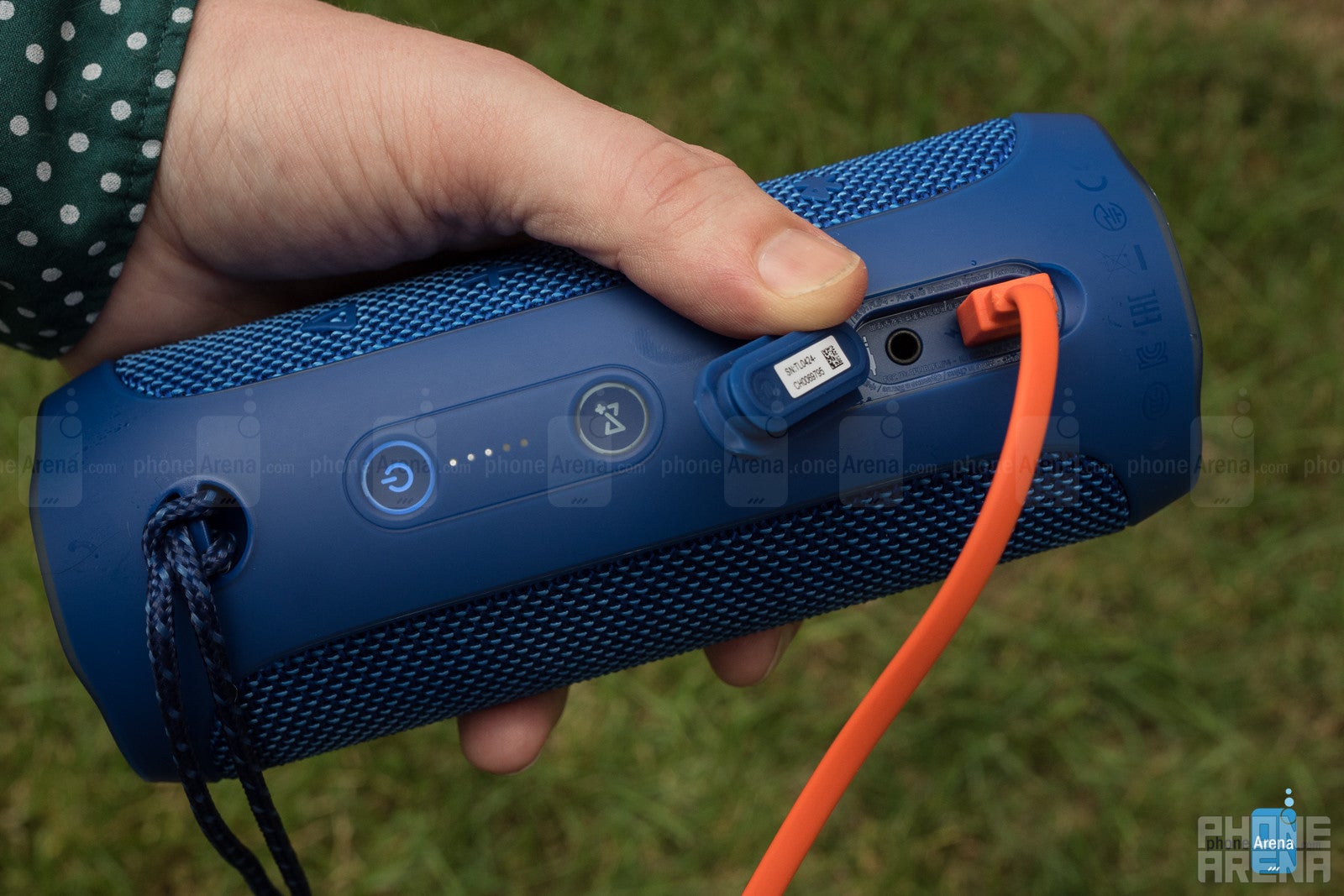
JBL gives the Flip 4 a 3,000mAh battery, comparable to the size we find in many smartphones. That kind of power can support the speaker running for up to 12 hours, though operation at high volume levels with take its toll on that maximum.
In order to help you keep an eye on battery life, the Flip 4 has a built-in LED power readout next to the power button. It doesn't stay illuminated all the time, but when you power the speaker on, they'll light up for a few seconds to indicate remaining charge. That's really nice, and not always a feature we see on Bluetooth speakers, letting you keep ahead of recharge events; who wants to get a heads-up they've only got 10% charge left right before a big party?
Conclusion
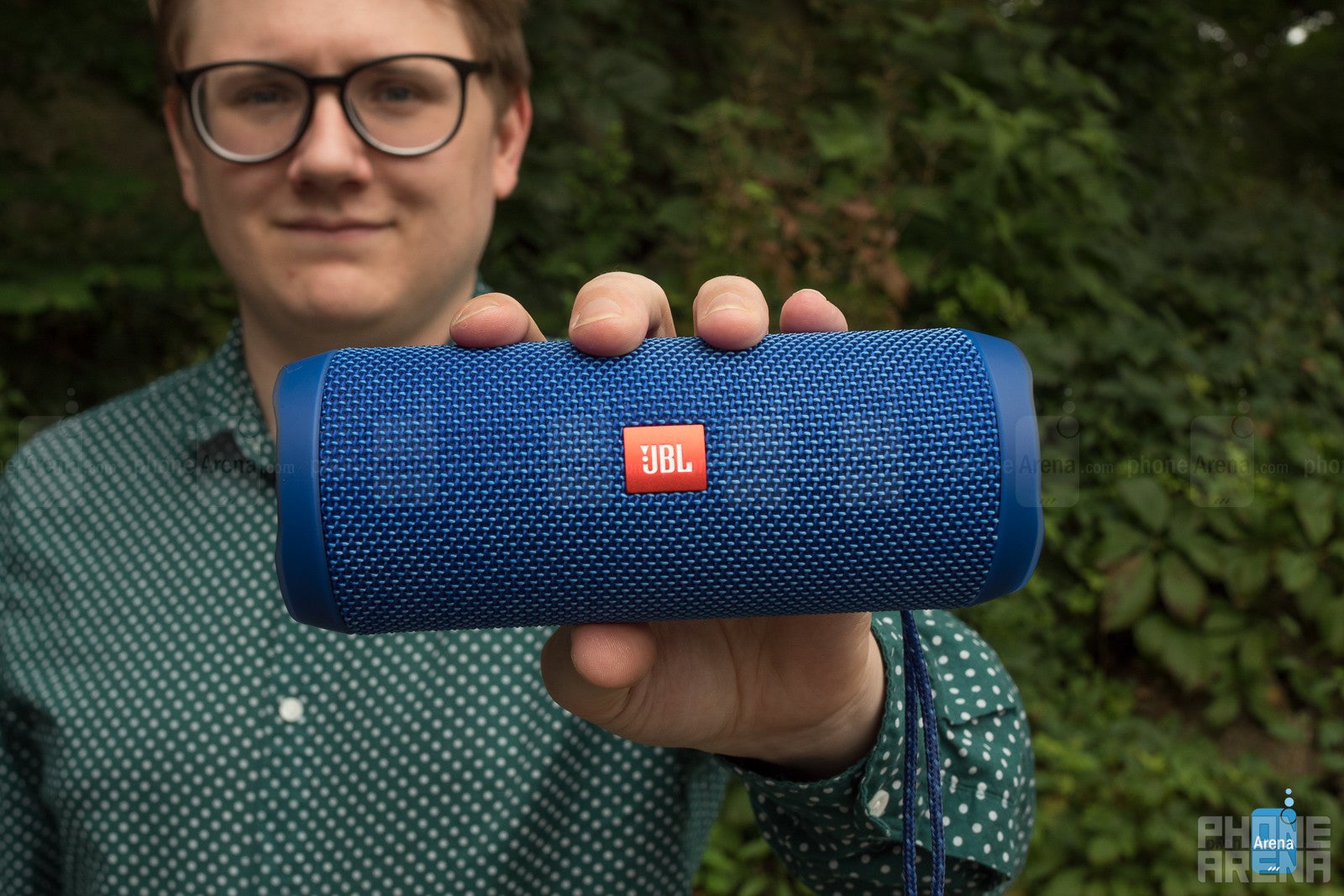
The JBL Flip 4 is a really nice portable Bluetooth speaker. The design is attractive, the sound is decent, and we especially like its water-resistance. Battery life is solid, and extras like the speakerphone and support for voice-based assistants are really nice.
The other extras, falling under the JBL Connect+ banner are a little less appealing, but only because they require making an investment in several Flip 4 speakers before you can take advantage of them; if you've got a whole swarm of these guys, we imagine they're great features to have, but can't see a lot of shoppers picking up additional units just to try them out.
Perfect speaker for summer? Well, we've still got some other competition to check out, but the JBL Flip 4 is definitely a strong contender.


Popular stories


Latest News
Things that are NOT allowed:
To help keep our community safe and free from spam, we apply temporary limits to newly created accounts: