Hackers found a way into 140 banking apps. Here's how you might be helping them
This Android banking Trojan has returned with new ways to steal your credentials and more.
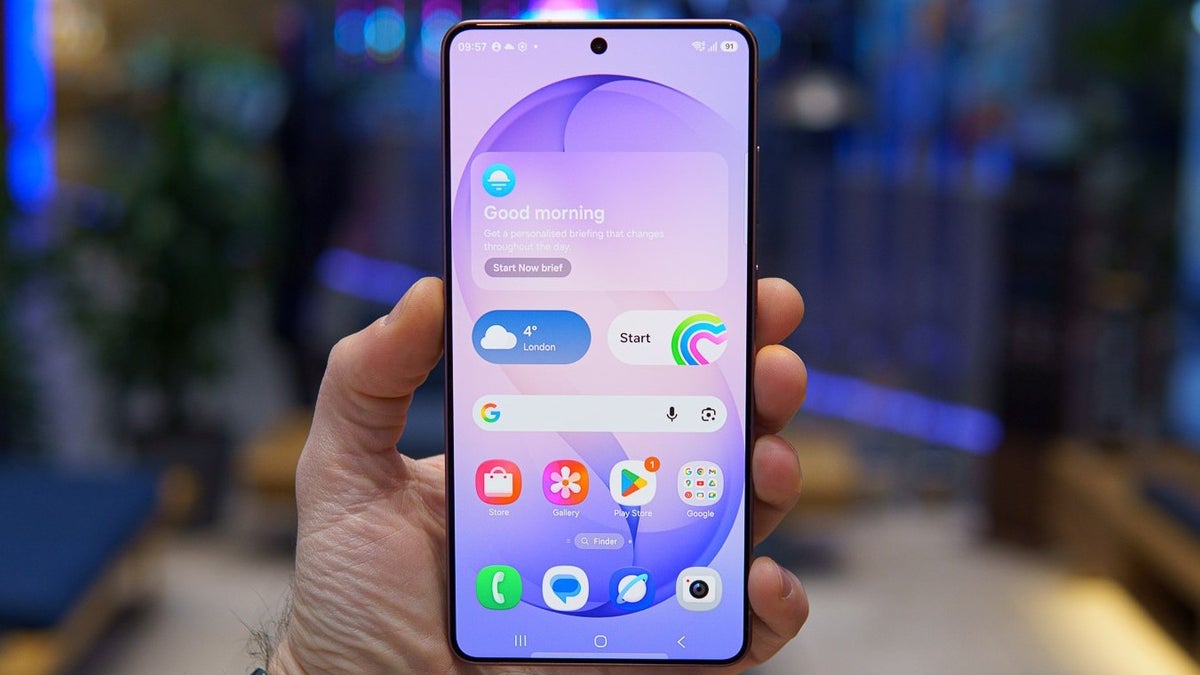
Your Android phone may be at greater risk than you think. | Image by PhoneArena
While tech giants pack their latest flagship phones with agentic AI tools and expanded spam protections, malware developers are innovating just as quickly.
Now, ToxicPanda 2.0, an improved version of a banking trojan that first arrived several years ago, has emerged with new tricks of its own, posing yet another threat to Android phone owners.
Now, ToxicPanda 2.0, an improved version of a banking trojan that first arrived several years ago, has emerged with new tricks of its own, posing yet another threat to Android phone owners.
This malware can drain your bank account
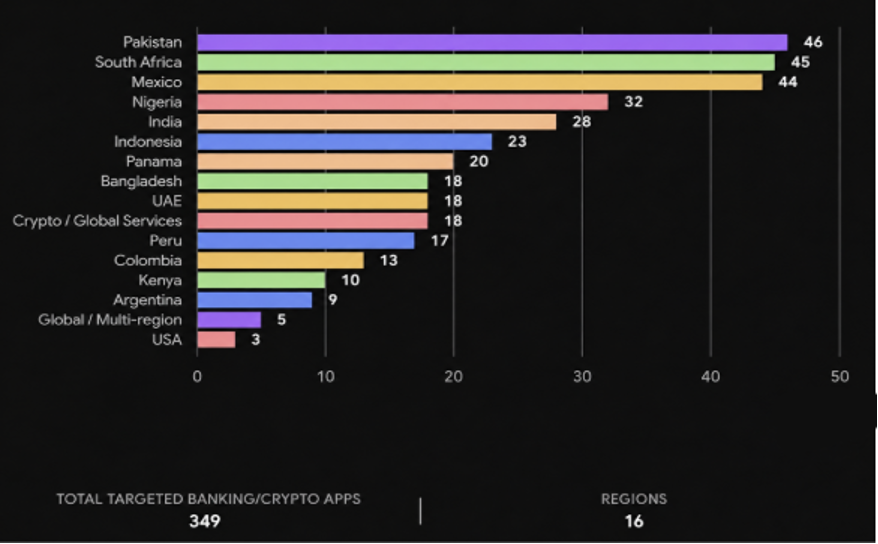
These are the countries where the targeted financial institutions are located. | Image by Zimperium
How do you protect your Android phone?
158 Votes
How does it work?
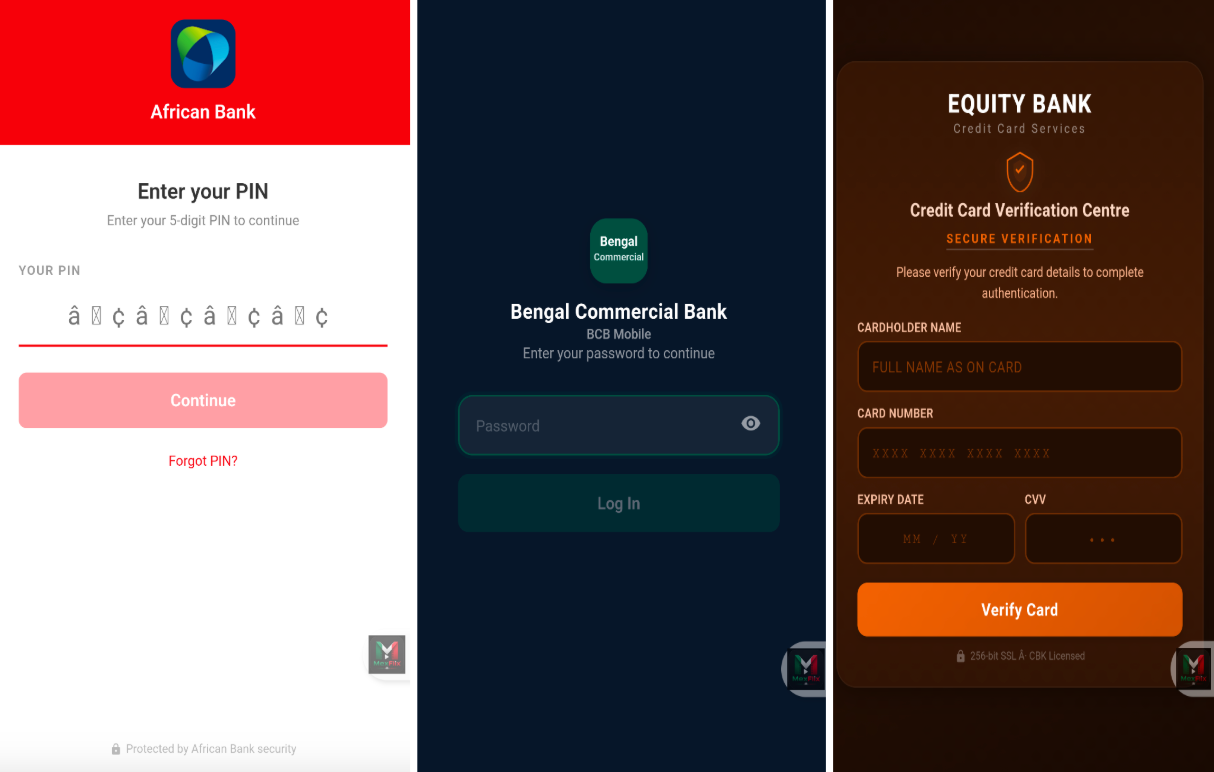
The banking Trojan overlays on top of the user's screen. | Image by Zimperium
Once installed and ready to go, the Trojan uses different ways to steal sensitive information. It can closely mimic authentic banking app pages and trick you into entering your PIN, while its expanded set of remote commands can give attackers access to device lock-screen credentials and other sensitive data.
And in case you're looking for more Android news
Android is more susceptible

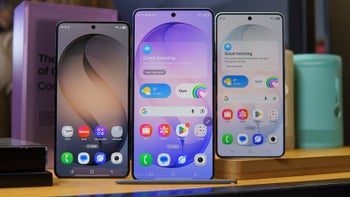
Two flagships, two different security approaches. | Image by PhoneArena
While no platform is completely risk-free, Android users face a particularly active malware threat. One reason is the platform's greater flexibility around app installation, which can give hackers more opportunities to trick users into installing apps from outside official app stores.
I won't lie that this kind of flexibility is exactly what makes me prefer Android in the first place. But it's also making it easier for malicious apps to find their way onto your phone, especially when they're disguised as legitimate software or hidden behind convincing installation prompts.
How to protect your phone?
Since ToxicPanda 2.0 relies heavily on deception to get the permissions and information it needs, staying vigilant is one of your best lines of defense. For instance, you may want to avoid downloading APKs from unreliable sources.
I'd also advise you to be extra careful about the permissions you grant to apps. While devices like the Galaxy S26 Ultra can warn you when an app requests potentially risky permissions, you'd still want to be cautious if an app wants powerful access like VPN functions without an obvious reason.
A painful reminder
To me, ToxicPanda 2.0 is a reminder that the flexibility I like so much can also be a double-edged sword. Still, I think that with a little extra caution, most users can significantly reduce the risk of falling victim to threats like this.


Popular stories




Latest News




Things that are NOT allowed:
To help keep our community safe and free from spam, we apply temporary limits to newly created accounts: