Samsung Galaxy Note 8 guide: How to enable the display's native WQHD+ resolution output
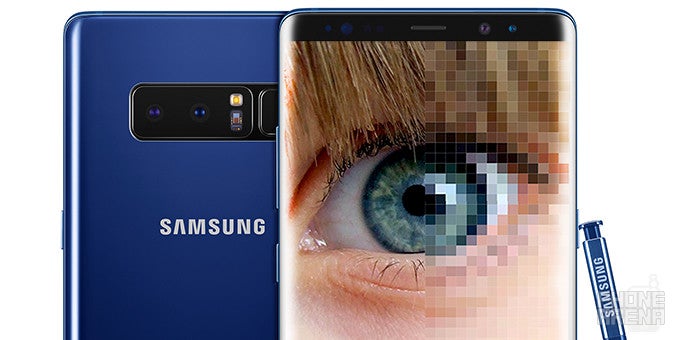
While the official launch of the Note 8 is about a week or so away, but this doesn't mean that we can't show you a few tricks that will help you make the most out of your Note 8 once you get into possession of one.
Today, we will address one of the features that you might want to micro-manage on your own - the default resolution of your device. In case you've played around with a Galaxy S8 or S8+ before, you might know that although it comes with a WQHD+ 1440 x 2960-pixel display, by default the phone runs at FHD+ resolution, or 1080 x 2220 pixels. For most users out there, this should offer a good balance between battery life and acceptable sharpness, but as usual, there might be some souls that would like to utilize the full scope of hardware they possess.
Here's how to make sure your Note 8 runs at the maximum possible resolution.
How to make sure your Note 8 runs at the maximum possible resolution


Popular stories


Latest News

Things that are NOT allowed:
To help keep our community safe and free from spam, we apply temporary limits to newly created accounts: